
Introduction
The most effective review requests are timely, relevant, and automated.
By connecting your e-commerce or CRM system, you can collect fresh feedback from every purchase.
1. Trigger After Order Completion
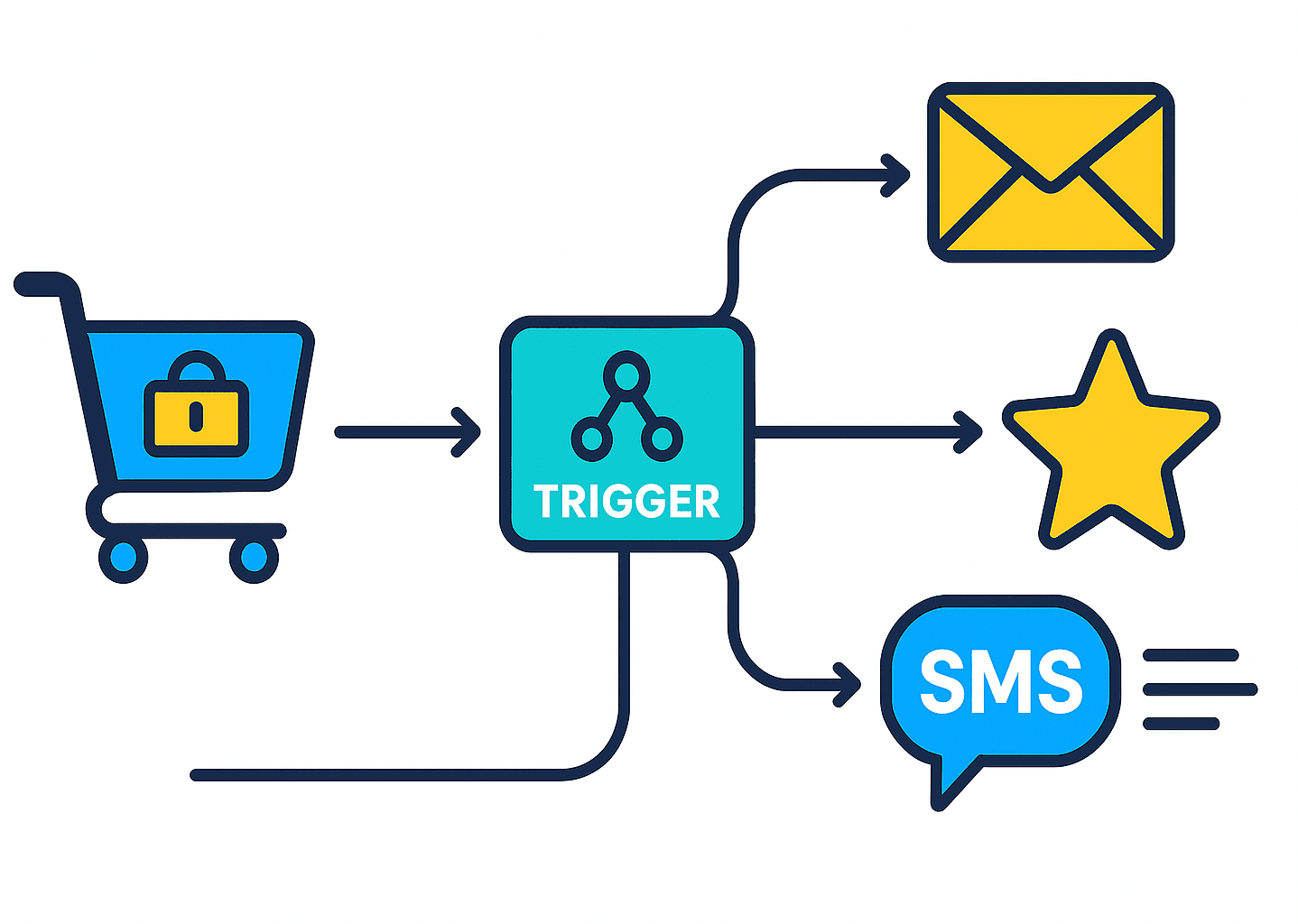
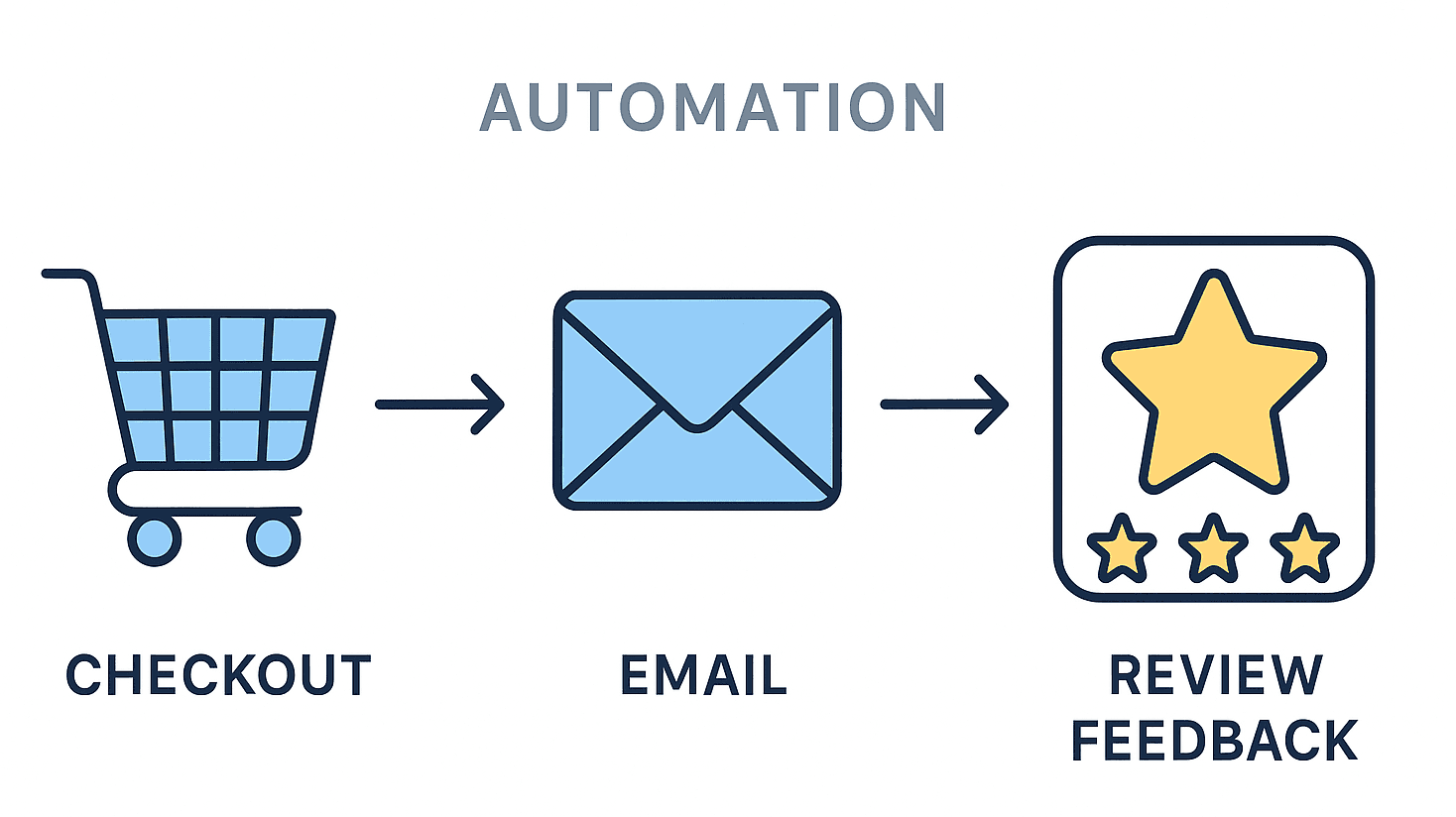
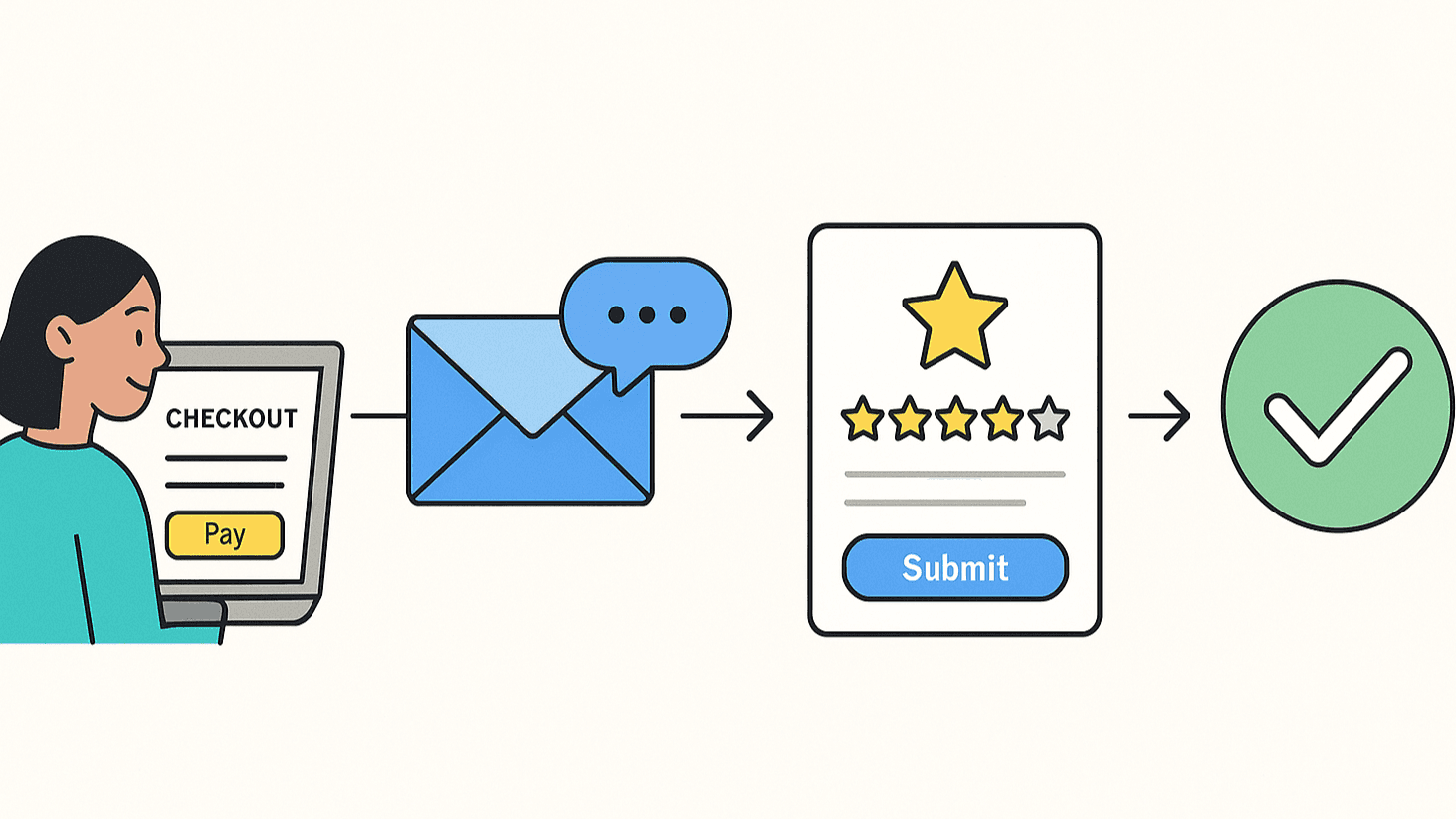
As soon as a transaction is marked “delivered” or “fulfilled,” the system sends a personalized review request.
2. Use Personalized Templates
Mention the product name or service to make the message feel authentic.
Automation doesn’t have to feel robotic.
3. Send Gentle Reminders
A polite follow-up two days later often doubles the response rate.
4. Centralize Feedback in Your Dashboard
Platforms like ShowAllReviews aggregate reviews from all channels and let you analyze response trends.
Automated review funnel
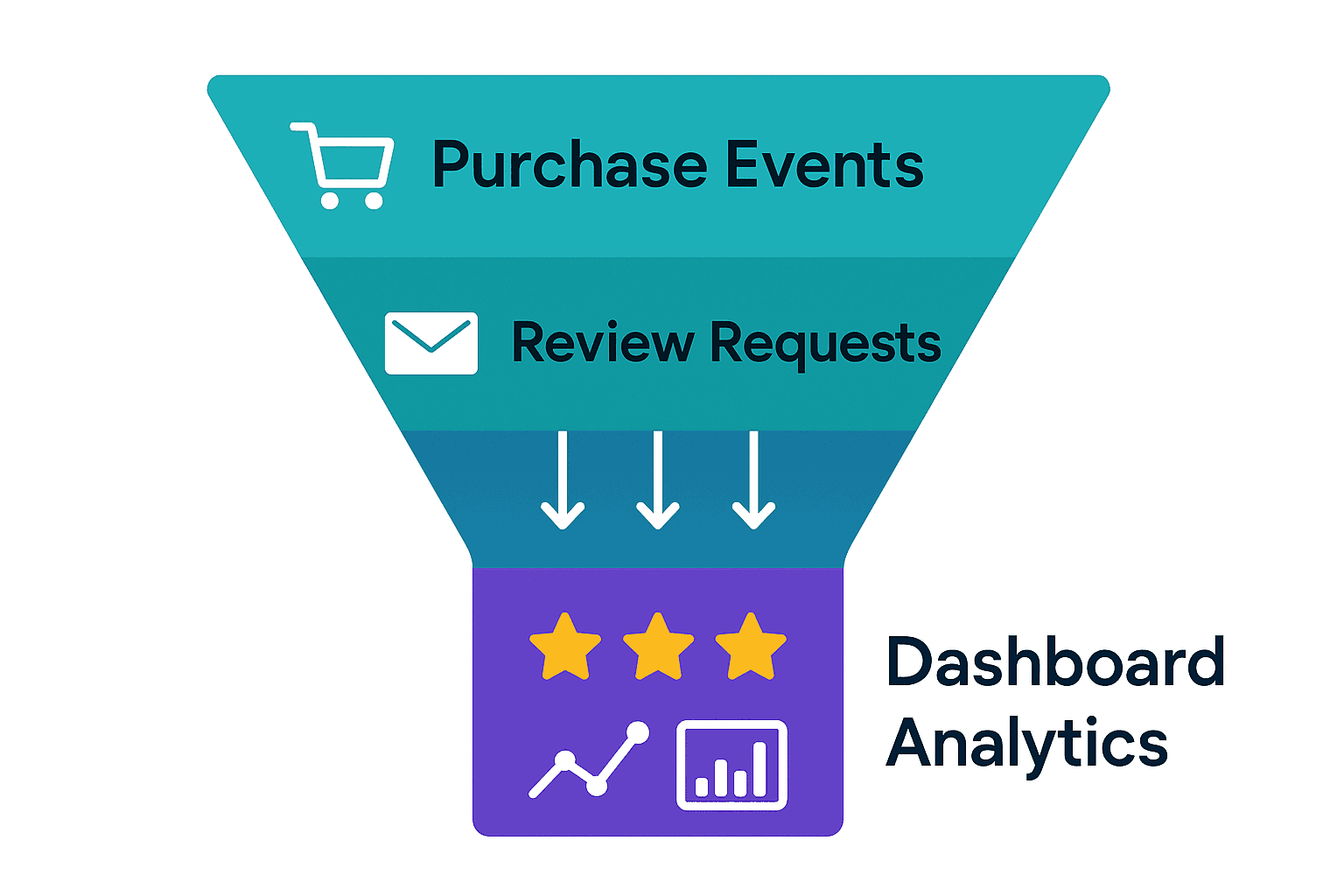
Automatic collection keeps your review stream consistent and genuine.