
Introduction
Your customers leave feedback across many platforms — so why display only one?
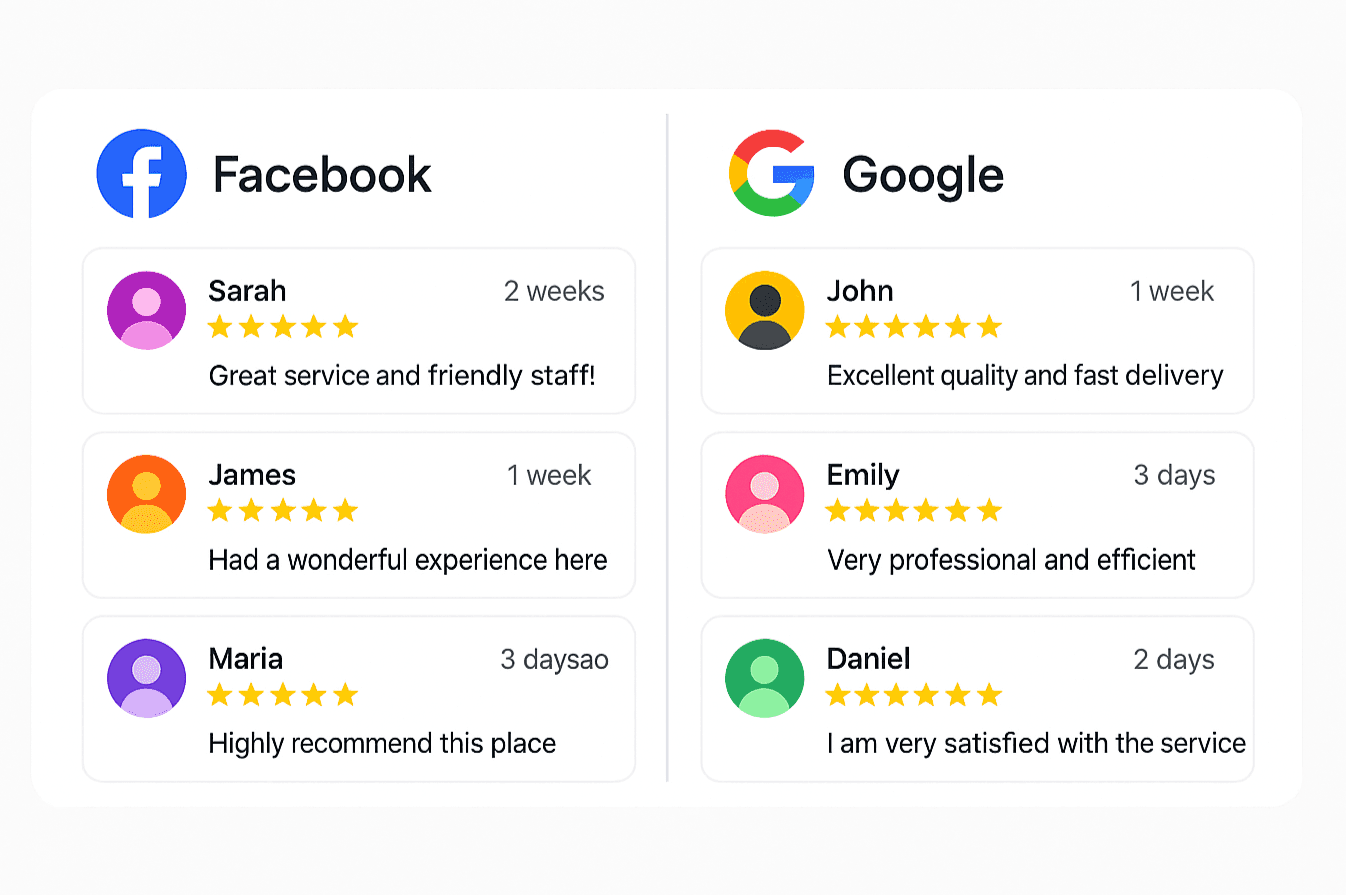
Embedding both Facebook and Google Reviews creates a fuller, more transparent picture.
1. Connect Your Accounts
Authorize access to your Google Business Profile and Facebook Page.
Many SaaS tools like ShowAllReviews provide secure OAuth-based integrations.
2. Customize the Layout
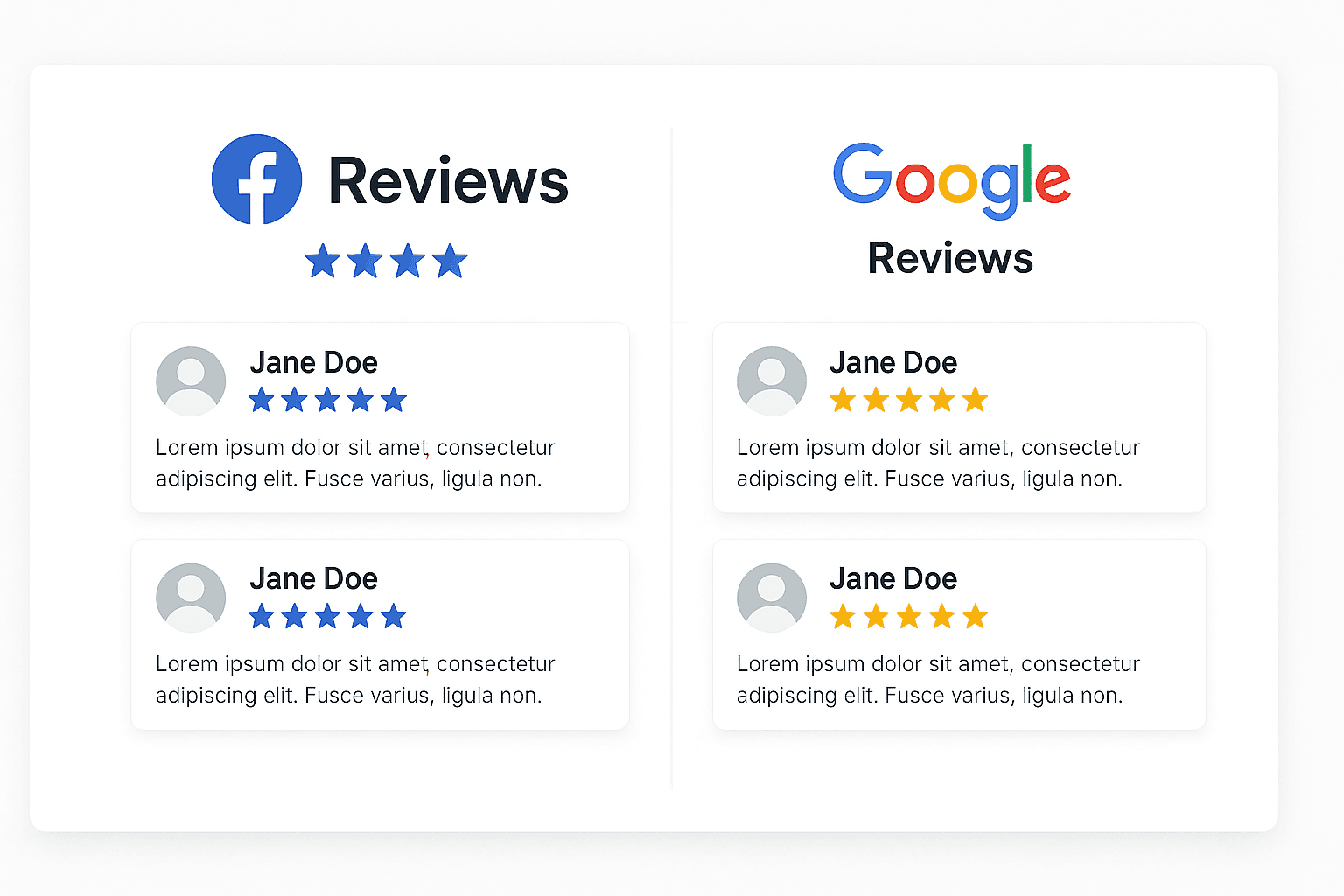
Choose between tabbed, carousel, or side-by-side formats.
Maintain consistent typography and star-rating colors.
3. Ensure Performance and SEO Safety
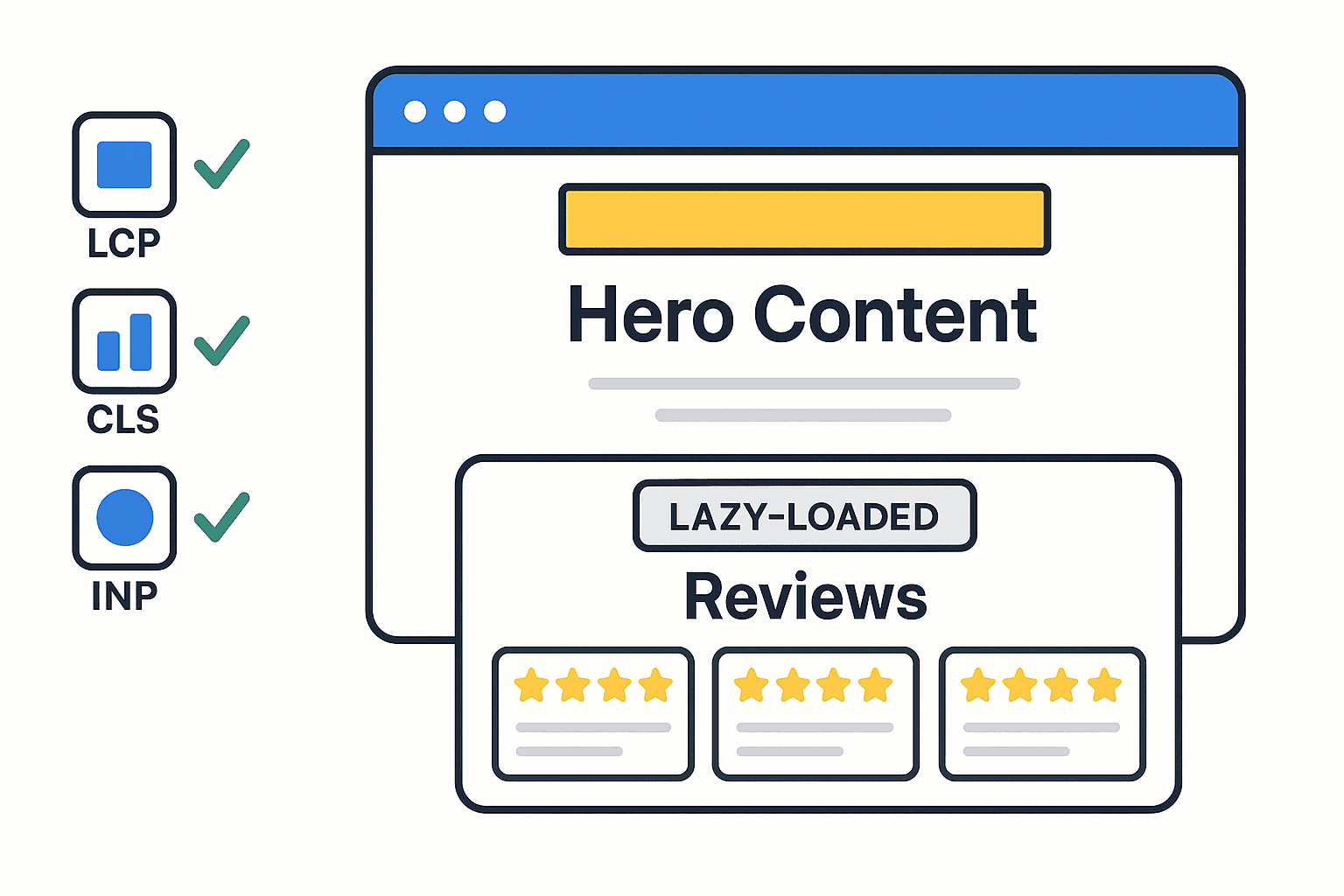
The combined widget should use asynchronous iframed content, ensuring fast loads and no duplicate metadata — as implemented in ShowAllReviews.